Upload one image
Drop, choose, or paste a JPG, PNG, or WebP.
 freebgremover.FREE · NO SIGN-UP
Free background remover · real transparent PNG
Upload one image. Get a clean transparent PNG — free, no sign-up, no watermark.


Your turn
We return a transparent PNG with no watermark.
Upload deleted after processing · no account · no watermark
Three small steps
No tracing, account flow, or surprise export gate.
Drop, choose, or paste a JPG, PNG, or WebP.
BiRefNet separates the foreground and refines difficult edges.
The first result is yours immediately, with no watermark.
Built for real edges
People, products, pets, and the details that simplistic cutouts usually lose.
Keep curls, flyaways, and soft portrait edges instead of cutting a hard halo.
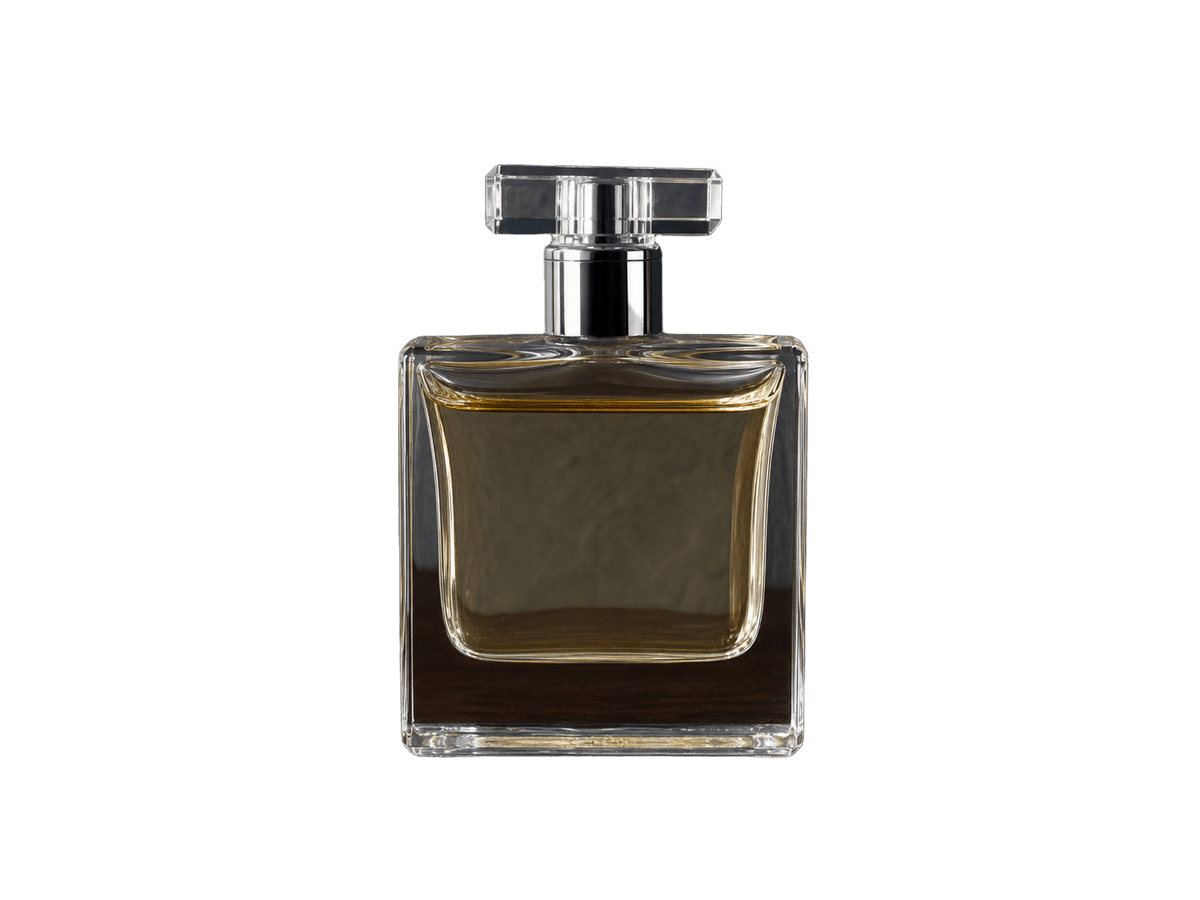
Create clean transparent product assets for stores, catalogs, and ads.

Separate fur and imperfect moving edges without tracing them by hand.
FAQ
Yes. You can process up to 5 images per hour from one IP address, with no account, paid export, or watermark.
Yes. The download is a PNG with an alpha channel, not a picture of a gray checkerboard. Transparent pixels remain transparent when you place it in another editor.
Those are the hard cases we test. Very low contrast edges can still need a quick touch-up in a full editor.
JPG, PNG, and WebP files up to 20 MB work. Large files are resized in your browser before upload.
The subject is returned as a high-quality PNG, but very large uploads may be resized in your browser before processing. Inspect fine edges before using the result in print.
It is held only while the request is processed and is not written to our database or object storage. We keep only non-image operational metadata such as dimensions and status.
The tool does not add a watermark or claim ownership, but removing a background does not grant rights to the original image. You remain responsible for permission to use the source.
Hair and soft edges can retain color reflected from the old background, especially when contrast is low. A quick defringe or mask touch-up may still be needed for demanding work.